

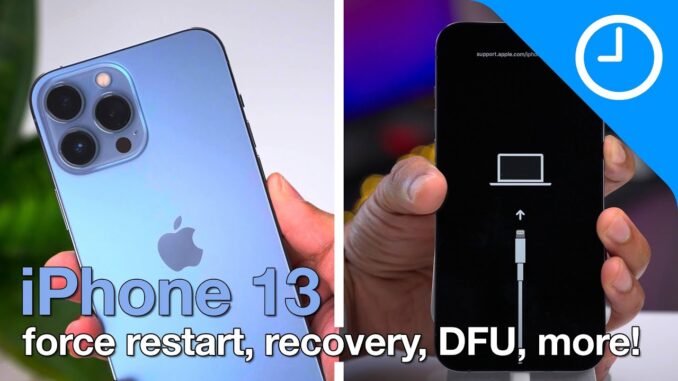
How to force restart iPhone 13, enter iPhone 13 recovery mode, and more! Thanks to TenorShare, creator of ReiBoot for sponsoring this video. Get 30% of Reiboot with code A7E5E:
iPhone 13, iPhone 13 mini, iPhone 13 Pro, iPhone 13 Pro Max – how to power off, force restart, enter recovery mode, exit recovery mode, enter DFU mode, exit DFU mode, disable Face ID, and use Emergency SOS.
DETAILED VIDEO SYNOPSIS:
—————————————————-
In this video walkthrough, I discuss my favorite iOS 15 hidden / sleeper features for iPhone users. Learn some of the more low-key iOS 15 features and changes by watching this video!
RELATED LINKS:
—————————————————-
Full written post:
iOS 15 – my top features for iPhone users!
iOS 15 – top hidden features for iPhone! – do you know them all?
300+ iOS 15 changes and features:
ACKNOWLEDGEMENTS:
—————————————————–
FTC: We use income earning auto affiliate links:
FCPX plugins by MotionVFX:
Music by Soundstripe:
Add captions to your videos with Rev, get $10 off now:
SUBSCRIBE FOR MORE VIDEOS:
—————————————————-
By clicking subscribe, you'll be able to see our new videos when they go live. If you click the bell icon, you'll be notified when new videos are uploaded. Also, don't forget to click the 'LIKE' button in order to vouch for the quality of the video. This helps expose our content to other potential viewers helping us to grow the channel and thus lets us produce more videos. Thank you very much for taking the time out of your day to watch.
GEAR I USE TO MAKE VIDEOS:
—————————————————–
Desktop: Mac mini with Apple M1 Chip –
Keyboard: Keychron K2 –
Laptop: Macbook Air with Apple M1 Chip –
Camera: Sony Alpha 7S III –
Microphone: Shure SM7B –
Drone: DJI Air 2S –
Video editing software: Final Cut Pro X –
PODCASTS:
—————————————————–
Happy Hour:
Daily:
Watch Time:
Stacktrace:
Apple @ Work:
FOLLOW:
—————————————————–
TIMESTAMPS:
—————————————————-
0:00 Introduction
1:21 How to power off iPhone 13
1:52 How to power on iPhone 13
2:36 How to force restart iPhone 13
3:33 How to enter recovery mode on iPhone 13
5:31 How to exit recovery mode on iPhone 13
6:15 How to enter DFU mode on iPhone 13
8:12 How to exit DFU mode on iPhone 13
8:47 How to temporarily disabled Face ID on iPhone 13
9:33 Using Emergency SOS with iPhone 13
11:24 How to disable Find My when powering down iPhone 13
HASHTAGS:
—————————————————–
#iphone13 #iOS #apple



Handy video.
Think the sponsoring of the video by a software developer who has wrote some software that can put your iPhone into Recovery mode is a bit pointless, especially when people are able to do the exact same thing, as shown by you in this useful video with a sequence of button presses.
Ive had android for 6 years, switched to iphone 13 because I got it for 300 dollars (verizon deal) and my phone refused to respond to anything the screen was choppy, Thank for for helping me fix someone that would have been thrown at the wall if not otherwise
your a life saver man thanks!!
Thank you! Just got my iPhone 13 Pro and wanted to know how to do a force restart. Your tutorial is succinct and to the point.
muchísimas gracias me fue de muy buena ayuda
Thank You! Well done and simple.
Thankyou, this has helped me fix my new phone!! great advice that actually works!
So informative and helpful content!
Apple Device is handled by servers at Apple.
The server tells the device which carrier policy it is supposed to have. This policy then tells the device which carrier’s SIM cards should be supported by the device and which ones shouldn’t *MOE* would always help you out
Thank you! You just saved me a lot of time. Everything was so well explained and east to follow.
Thank you. Tried everything I know but I what I saw in this video literally saved my trip. My phone wasn’t turning on for some reason and the steps in minute 4 is the only thing that worked. Appreciate you.