

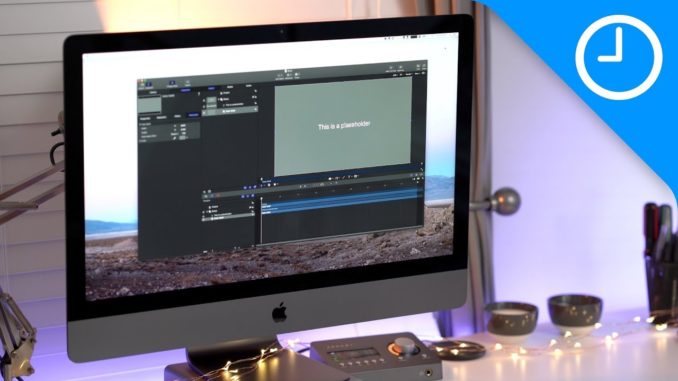
These are iClarified instructions on how to install OS X Mountain Lion 10.8 from the Mac App Store.
You can find more detailed instructions in the text version of this tutorial:
For more Apple news and tutorials you can follow iClarified at:
Twitter:
Facebook:
RSS:

cool
OMG I have already found a bug in my update… not happy!!!!!!!!!!
Maybe you should do a tutorial of how to install an app??? Jesus… this is so easy, there’s no need to make a video for this…
Wahahahahahaha! Who said apple folk were creative and geniuses, keep this level of quality up and your going to get a job at the cultshop…. you seem to have the intellectual credentials… Wahahahahahaha!
Thanks helped alot
When you install it will it erase everything off your computer or not???
Thanks, helped a lot……
lol
If I upgrade to Mountain Lion, will all my documents and apps I had with Lion still be there? or will it be like a new mac?
but u still have to buy it…
today i bought a macbook pro 13 , 2010 / 2.66 intel 2 duo 4gb ram and GT320M
atm im using snow leopard.
i was wondering if i should purchase this … and if it will work good same as snow leopard..
Please help and thanks for answer !
Password 1234 I think
why does it take long to download
my mac restarted and is downlaoding but now says -13 mins and the loading bar is full
should i keep waiting or is there something wrong please
ANSWER MEEEEEEEE
Anybody help me? About my download in the desktop, my downloads is not working anymore,& I’ve tried to use the ez7 zip not working..pkease help me