

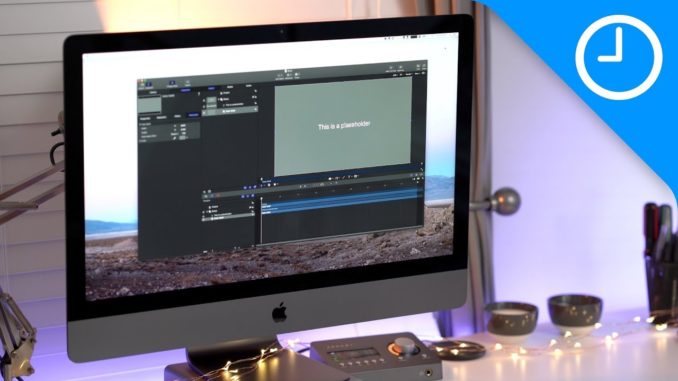
These are instructions on how to request the desktop version of website on the iPhone.
…
Hit the link above for additional details and please follow iClarified for more Apple news, videos, and tutorials.
– Twitter:
– Facebook:
– Google Plus:
– App Store:

FIRST COMMENT!
doesn’t work of most of the sites I’ve tried it on 🙁
It works only when the website has a mobile version, such as Google or youtube
+thor3d29 still didn’t anything to me.. I have iphone 6 plus 🙁
Why is this hidden though. I’ve been looking for it on my Wife’s iPhone.
This saves space and gives you a few more suggestions!
I did the instruction but it won’t show up. :/
In iOS9 the Request Desktop button is in the share menu on the bottom list all the way to the right.