

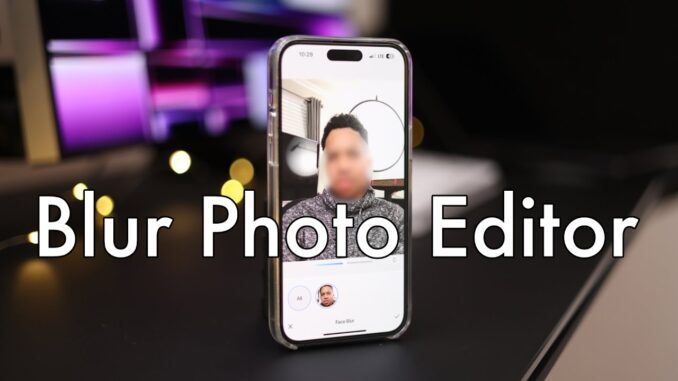
Download Blur Photo Editor today:
Blur any part of an image on your iPhone easily in a few seconds.
The Blur Photo Editor app is one of the best photo blurring apps for iPhone and iPad to accurately blur backgrounds, faces, texts, license plates, bank documents, credit card numbers or any unwanted objects in your photo. This amazing app also helps you to get pixelated or censored faces and hide unwanted objects from your photo that you don't want others to see. It also offers some fantastic photo-blurring filters and photo editing tools.
Are your exploring how to blur background on iPhone or how to blur face on iPhone? This video shows all the features of the Blur Photo Editor app as well as explain the ways to blur face, background and license plate on your iPhone.
Features of this Blur Photo Editor app for iPhone:
-Automatic Background detection and blurring
-Automatic face detection and blurring
-Touch blur to manually blur any part of the image.
-Magnifying glass feature for precise editing and blurring
-Normal, circle, and the band blur tool for making pictures blurry
-Extensive collection of blur effects for getting proper blurry pictures
-Unblur part of images that you have accidentally blurred
-Extensive catalogue of photo filters
-Crop, rotate, saturation, mask, etc. for photo editing
Has potential, however as it is designed with the iPhone in mind, the lack of a ‘Landscape’ format for us iPad Pro users, well kills it for me. If there is an update that is more iPad-friendly, yeah, I’ll give another shot. For now….pass.
Great to see you back
This option is built into the Samsung gallery by default and no need to 3rd party apps. With ios, you have to get everything 3rd party.
It really should be a default option in iOS. The problem I have with android is there’s too many constant changes.
I don’t want to relearn how to use the phone every year, it’s annoying.
This was good I never thought about a app for blurring I like the iPhone OG off to the side on the desk
casually hanging with CHVRCHES??? so rad.
This might be a dumb question, but could someone with the same app UNblur one of my blurred photos?